
Set up Foreman
About 10 minutes, from downloading the app to your cameras watching.
What you need
- A phone with the Foreman app.
- A Windows computer at the site that stays on, on the same network as your recorder.
- Your recorder (DVR or NVR) and its password.
Step 1
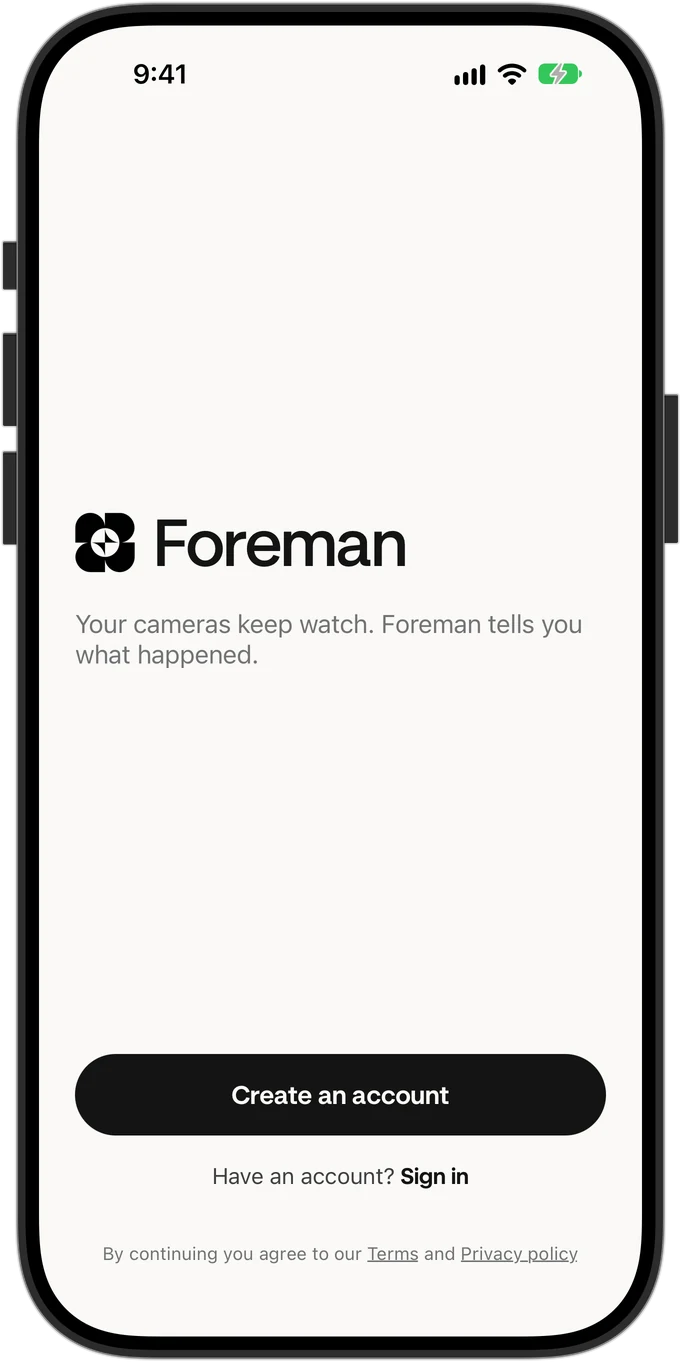
Create your account
Open the Foreman app on your phone and tap Create an account.
Step 2
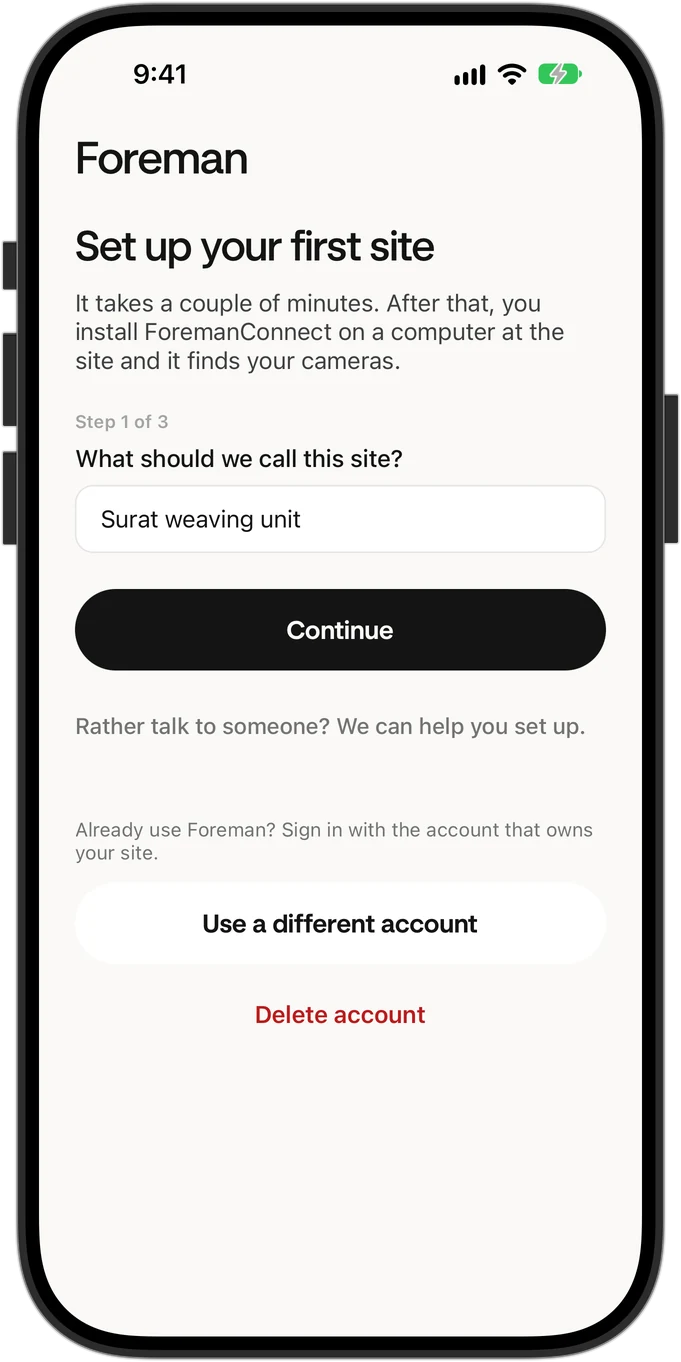
Name your site
Use a name your team will recognise, like the factory's name or its area.
Step 3
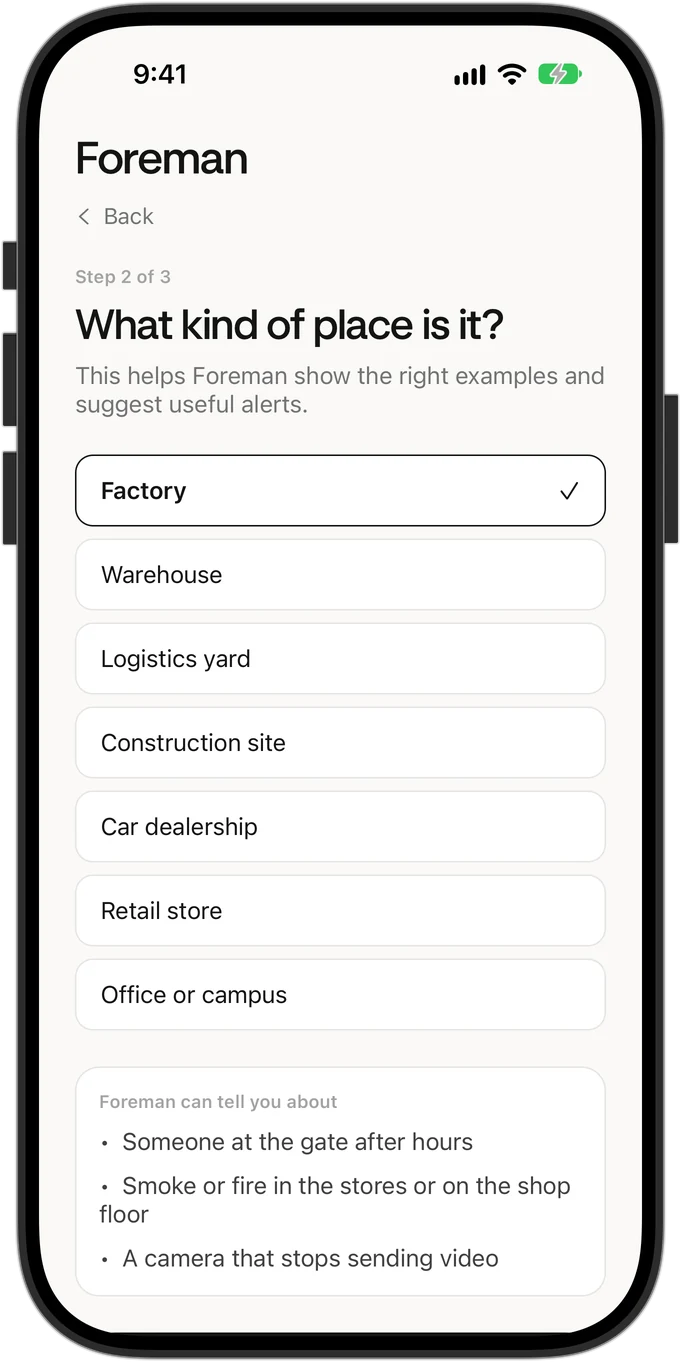
Pick the kind of place
This decides which alerts Foreman suggests first. You can change it later in Settings.
Step 4
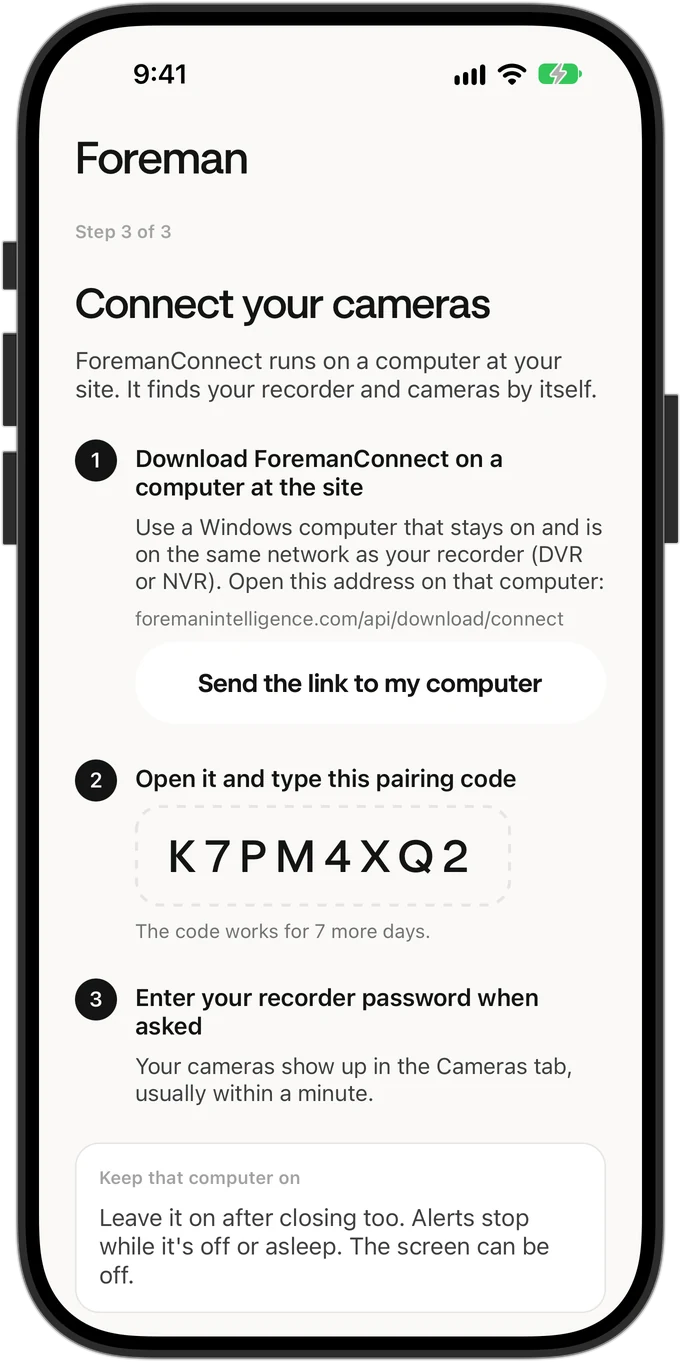
Get your pairing code
The app shows an 8-character code. It works for 14 days. Tap Send the link to my computer to get the Connect download on the site computer.
Step 5
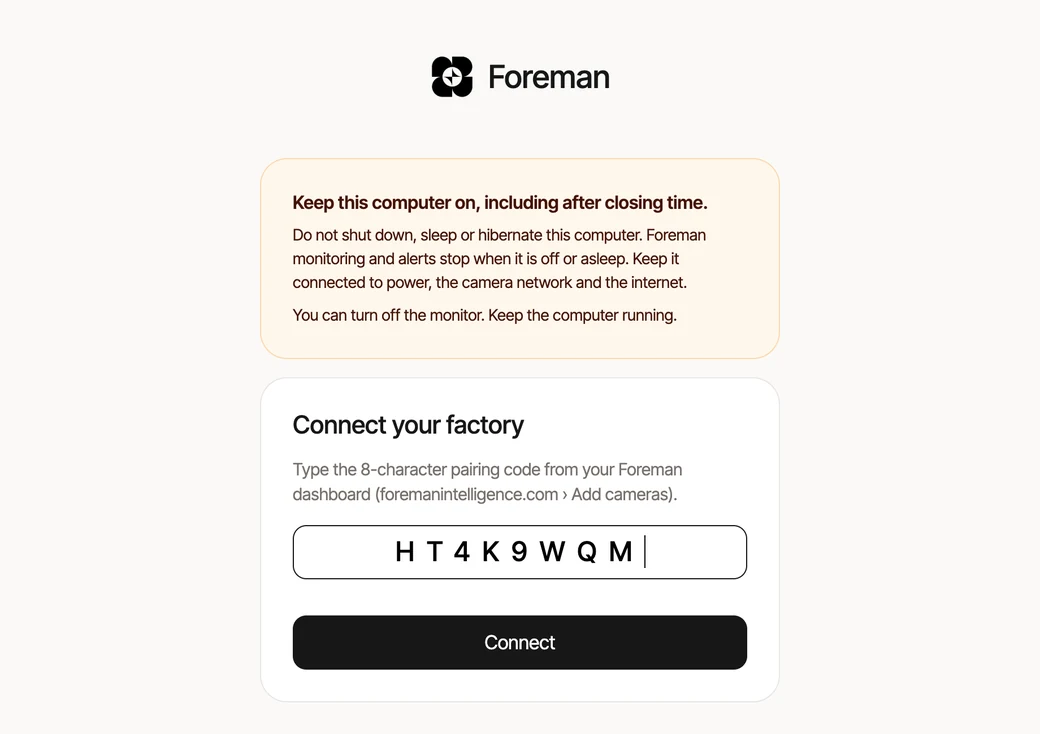
Install Connect and type the code
On the site computer, download Foreman Connect and open it. It opens in your browser. Type the pairing code from the app.
Step 6
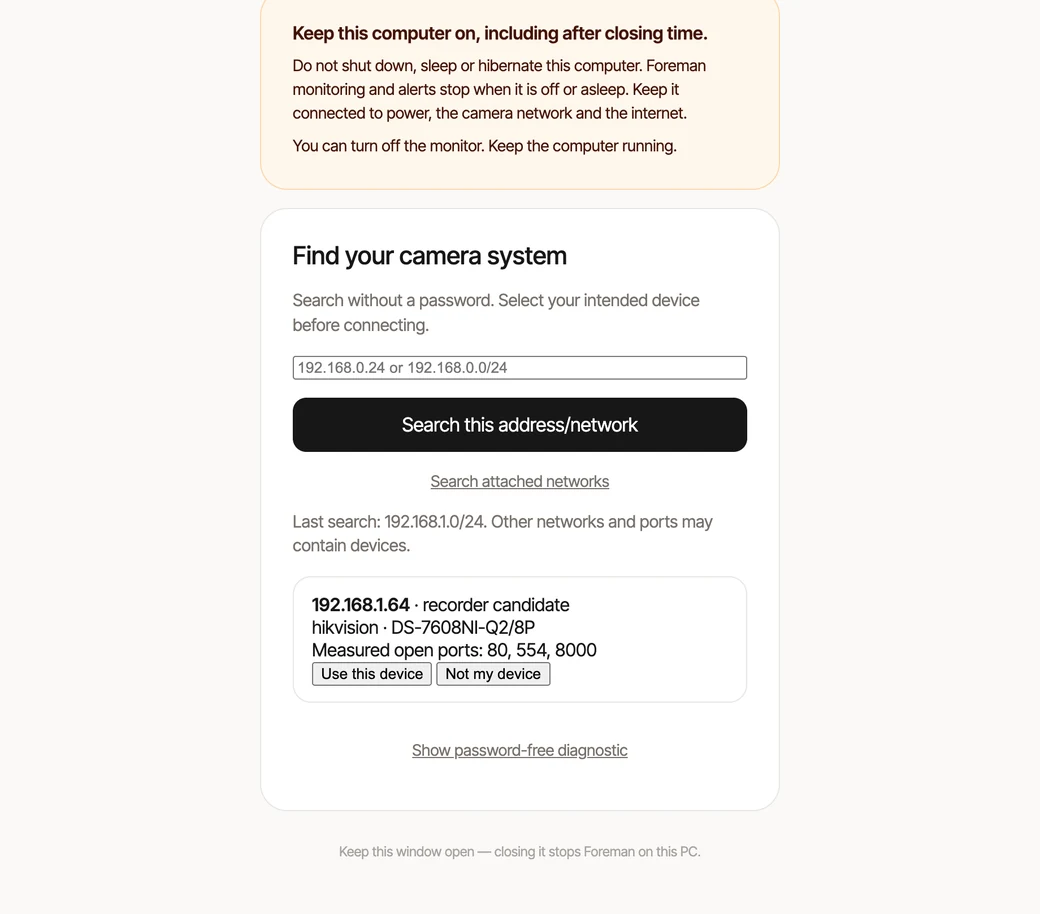
Connect finds your recorder
It looks through your network by itself. This usually takes under a minute.
Step 7
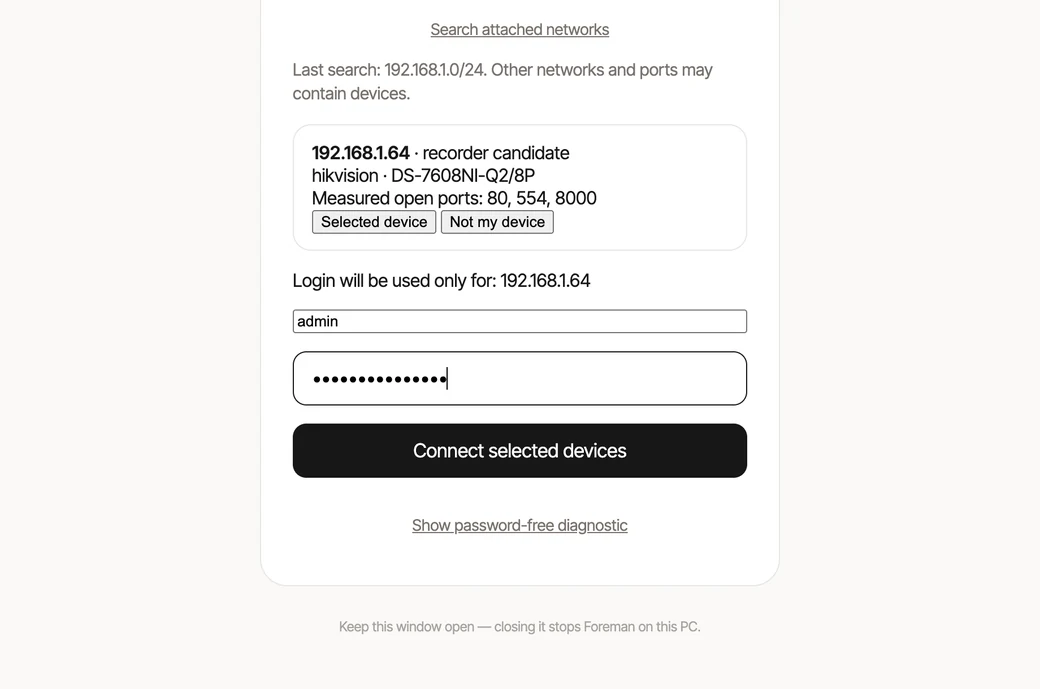
Enter the recorder password
Use the password you use to log in to the recorder. If you're not sure, ask whoever installed your cameras. Don't guess: most recorders lock you out after a few wrong tries.
Step 8
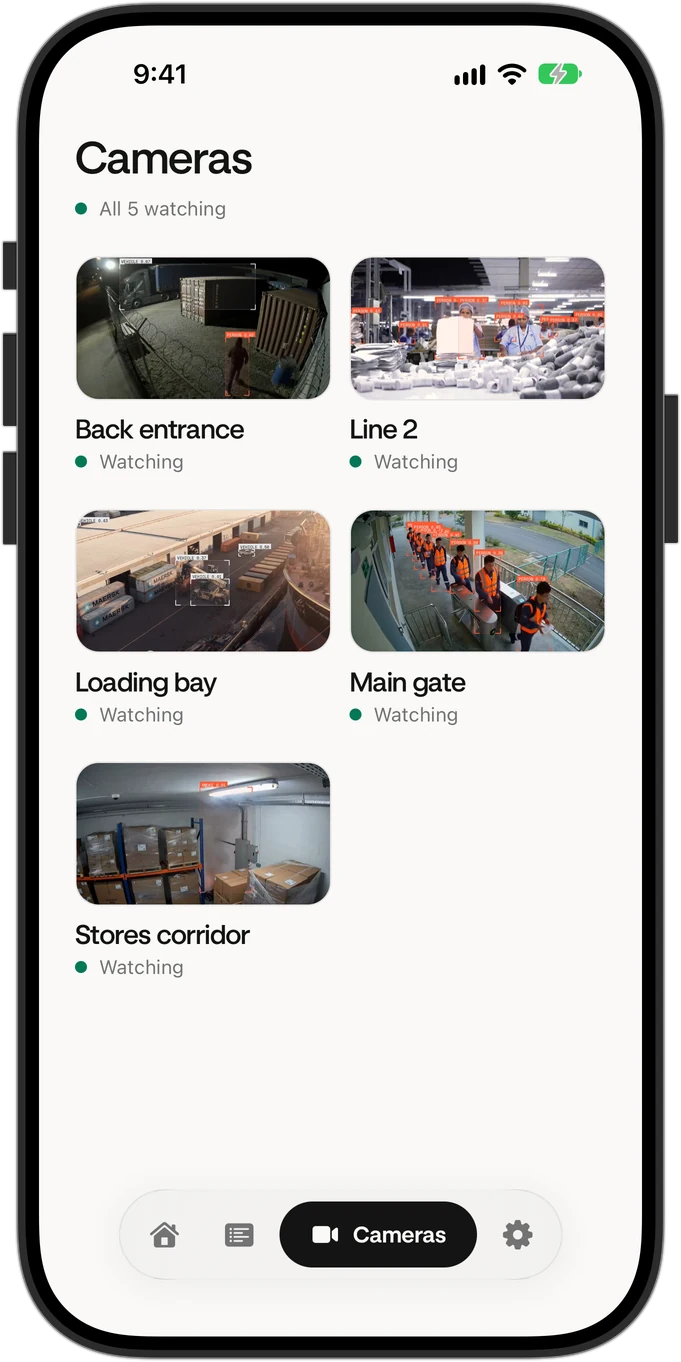
Your cameras appear in the app
Usually within a minute, in the Cameras tab. From here Foreman is watching.
Step 9
Keep that computer on
Alerts stop while it's off or asleep. In Windows power settings, set Sleep to Never. The screen can turn off.
If something goes wrong
Connect found nothing
Check the computer is on the same network as the recorder, for example plugged into the same router or switch. Then search again from Connect.
The password doesn't work
Stop and check it with whoever installed your cameras before trying again. Repeated wrong passwords can lock the recorder for a while.
Alerts stopped
The site computer is probably off or asleep. Turn it on and check Sleep is set to Never.
Still stuck? Call us on +91 93281 12957 or write to hello@foremanintelligence.com. We can set it up with you.